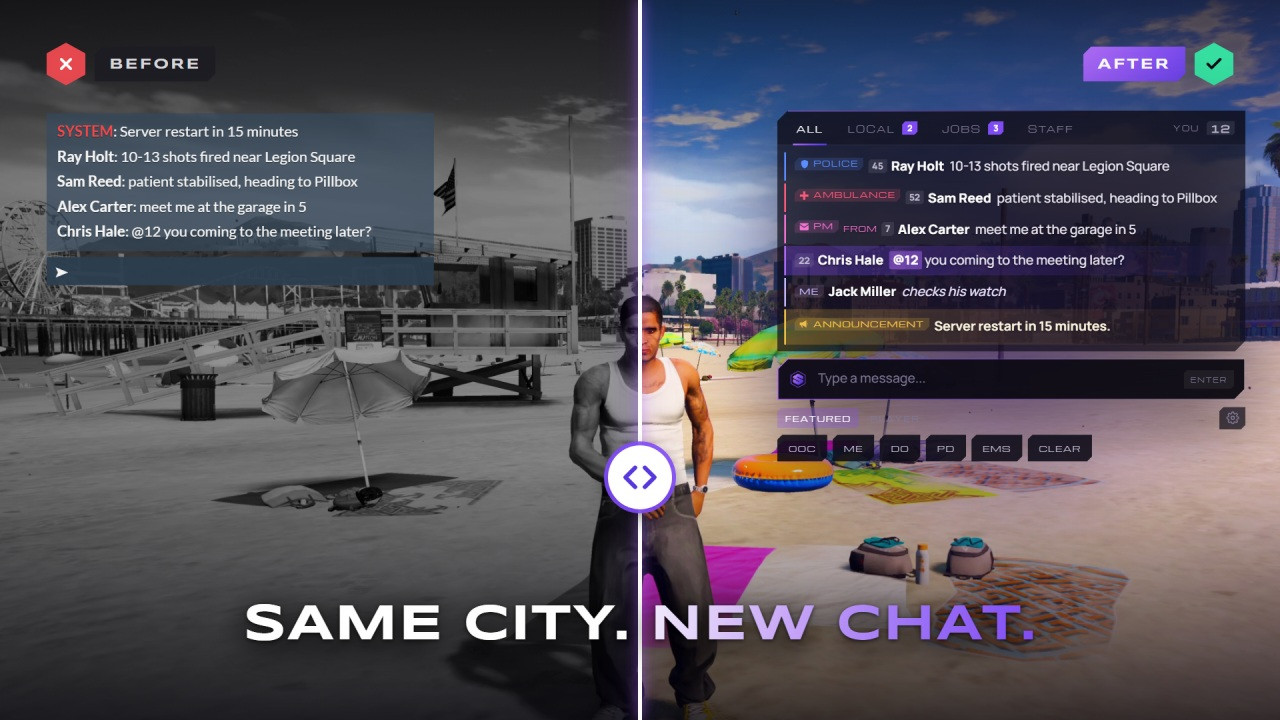
$9.99
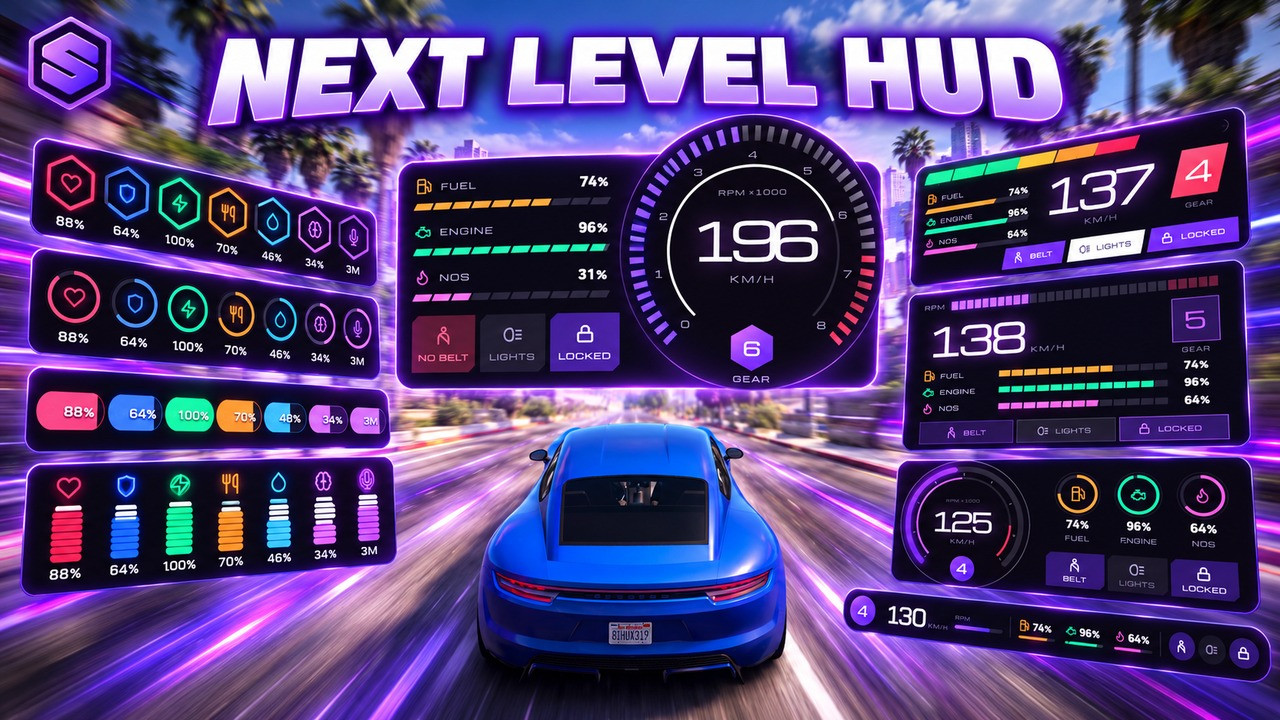
SOLID HUD shows everything a player needs: health, armour, stamina, hunger, thirst, stress, voice range and radio channel on foot, and speed, gear, RPM, fuel, engine, nitro, seatbelt, lights, lock and cruise control in a vehicle. A compass with street names, a framed GTA minimap, money, job, weapon and server info complete it.
Every player sets up their own HUD. Press I to pick one of 7 templates, 9 colour themes or 9 presets, fine-tune sizes, colours and layout in HUD Studio, or open edit mode and drag any widget anywhere on screen, the minimap too. It is saved on the player's own PC.
Admins set the server defaults in game with /hudsetup: what new players start with, stress, weapon, money and job settings, all live for everyone online and kept in named backups. Stress is saved with the character, it runs on QBCore, Qbox and ESX in 13 languages, and open edit hooks plug in your own fuel, seatbelt, voice or notify scripts.
Hex, Orbit, Line, Capsule, Mono, Apex and Frame restyle every widget at once, in Violet, Arctic, Cobalt, Jade, Toxic, Gold, Ember, Rose or Frost.
Default, Classic, Minimal, Immersive, Streamer, Racing, Cinematic, Compact and Patrol set the whole HUD in one click. Players save up to 6 of their own.
Drag any widget anywhere on screen, the minimap too. Arrow keys nudge it, with undo, discard and save.
Health, armour, stamina, hunger, thirst, stress, voice range and radio channel. Each one turns red and pulses when it runs low.
Speed, gear, RPM, fuel, engine, nitro, seatbelt or harness, lights, lock and cruise control, with altitude in aircraft.
Heading and street names, and the GTA radar in a frame with street, time and date. Players move it and size it from 70 to 160%.
Cash and bank pop up on every change, the job shows grade, duty and callsign, and ammo comes with the weapon picture from your inventory.
Player defaults, stress, weapon, money and job settings, live for everyone online, with named backups you can restore.
Yes. Get it free and it lands in your Keymaster assets like any paid script, with free updates.
QBCore, Qbox and ESX. Hunger, thirst and stress come back with the character after a restart.
Yes. Players press I to pick a template, theme or preset, change sizes and colours in HUD Studio, or drag widgets in edit mode. It is saved on their own PC. Admins choose what new players start with in /hudsetup.
Voice range and radio come from pma-voice. Seatbelt and harness are read from qb-smallresources, jim-mechanic, wasabi_carhud and state bags, and fuel from your fuel script. For anything else, return the value from one function in the open edits file.
Shooting and speeding add stress, and the screen blurs from level 50. It is saved with the character. Exempt jobs, weapons and vehicles in /hudsetup, or add and remove stress from your own scripts with exports.
No. Everything is set in game with /hudsetup and applies to everyone online right away. config.lua only holds the starting language, debug mode and the admin command name.
Yes. exports['solid-hud']:SetHudVisible(false, 'my-phone') hides it while your UI is open, and it comes back by itself when your resource stops.
13: English, Spanish, French, German, Portuguese, Italian, Dutch, Polish, Turkish, Russian, Arabic, Chinese and Japanese. Each player picks their own in the menu.
Change the menu key in /hudsetup and rename the admin command in config.lua. Players can rebind the key in their FiveM settings.
IOpen your own HUD menu
/solidhudOpen the HUD menu by command
/resethudRestart the HUD if it ever glitches
/hudsetupServer defaults, stress and backups, live for everyone
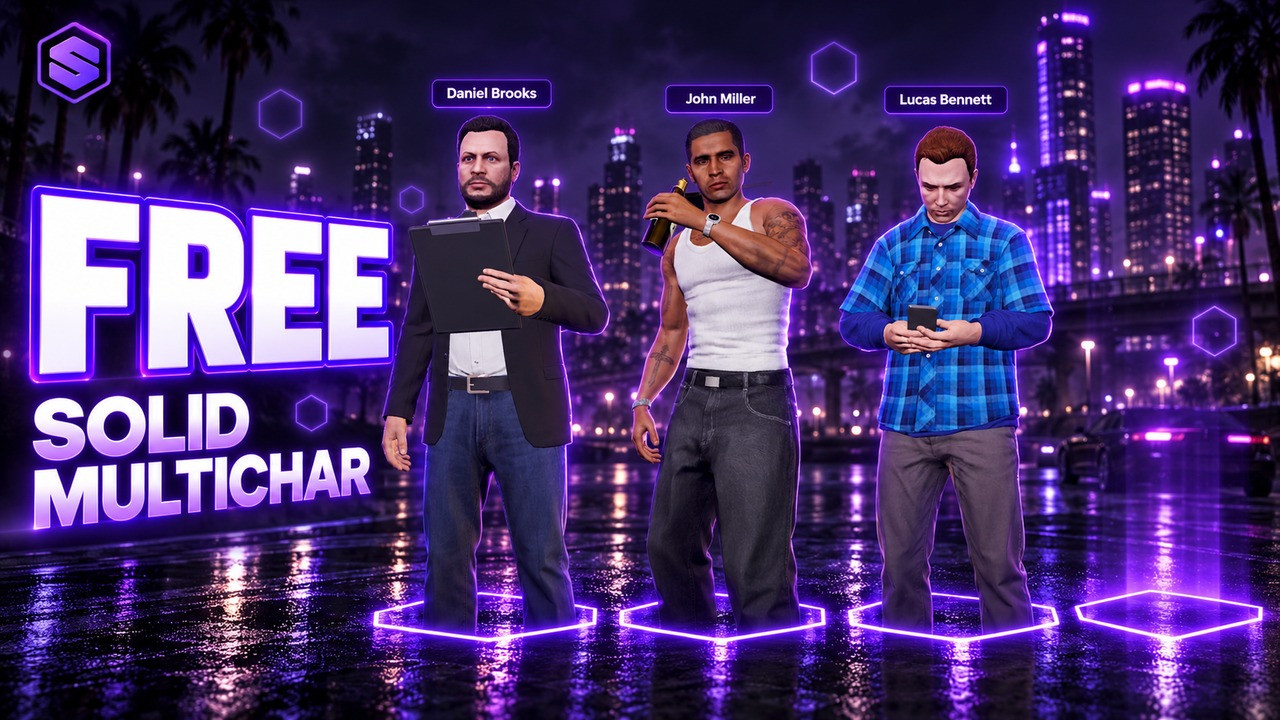
All your characters together in one cinematic lineup.
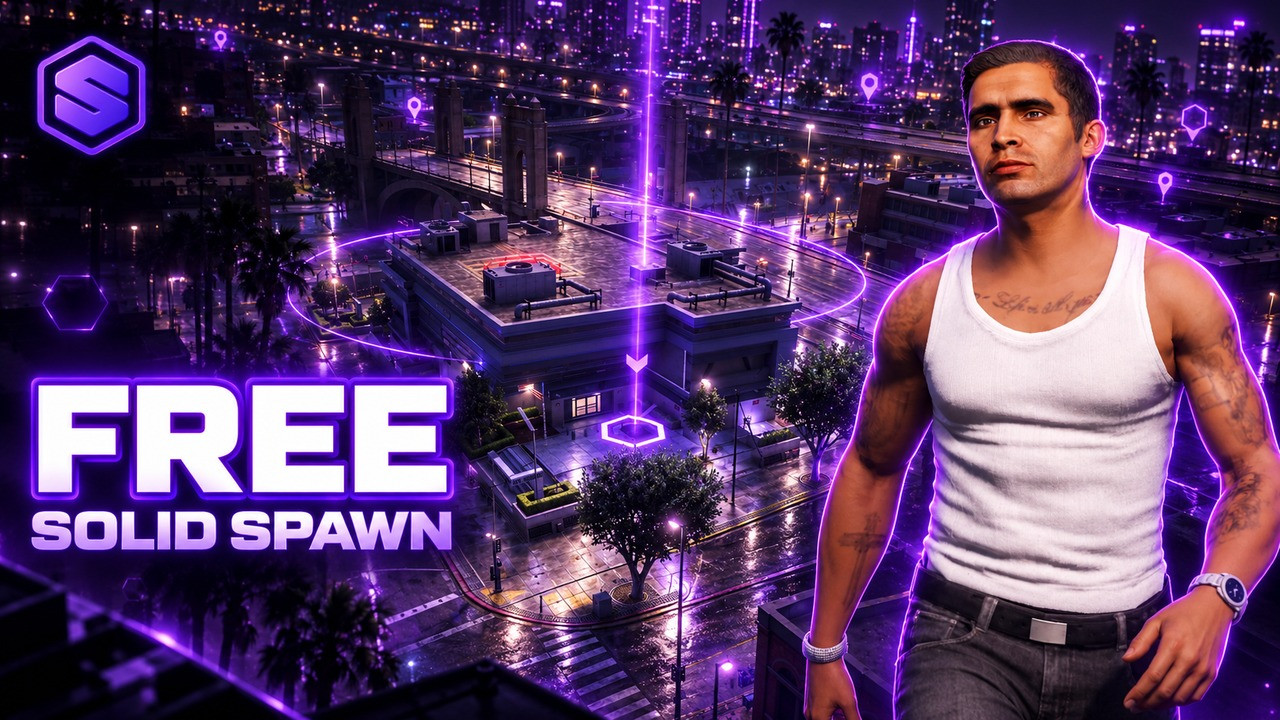
Choose where you enter the city, with an orbit camera and a live map.
Decorate your whole city for Halloween, then publish it for every player.