$9.99
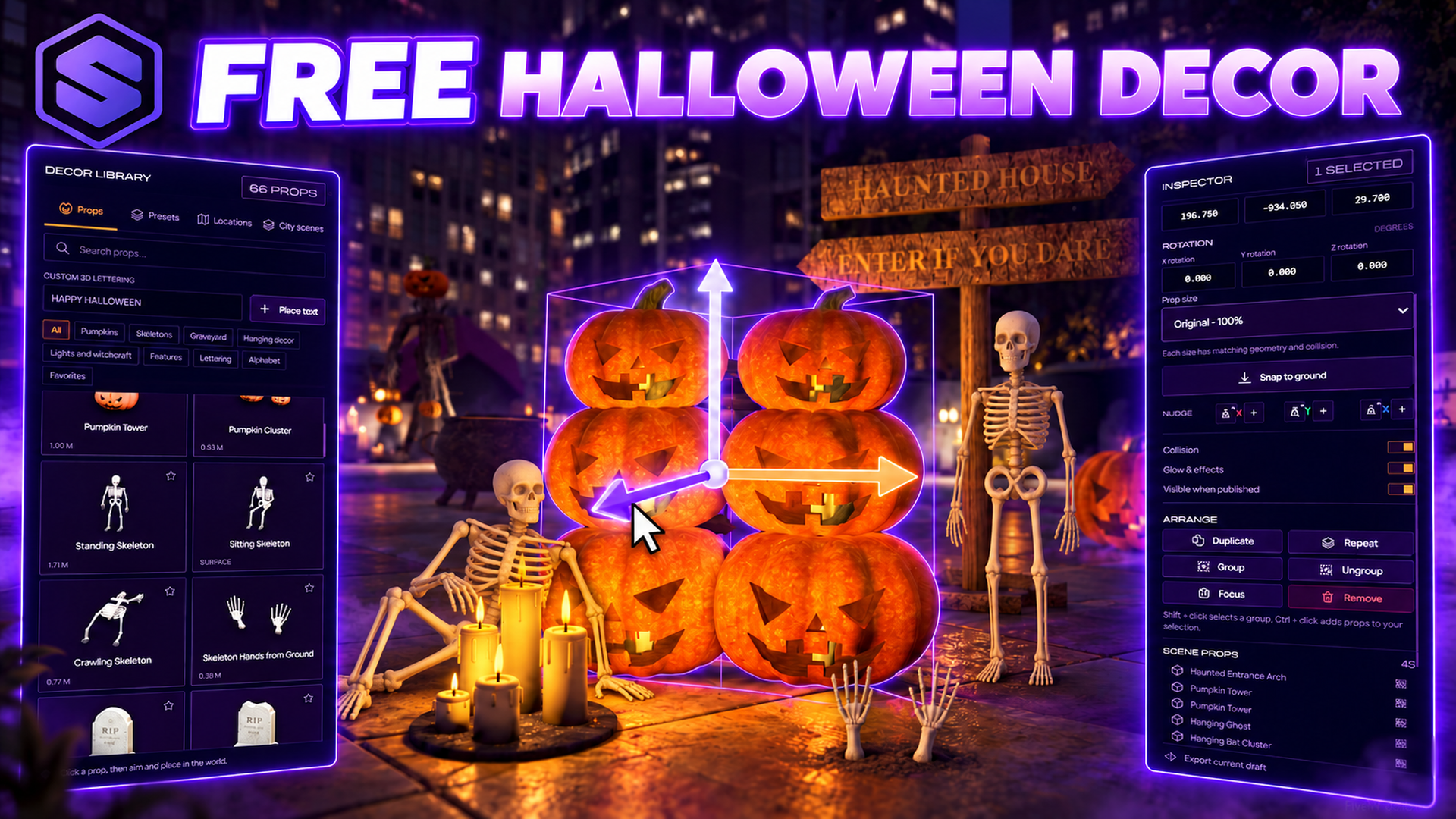
SOLID Halloween Decor turns your city into a Halloween event. Your staff build scenes from 66 custom props: jack-o-lanterns, skeletons, tombstones, coffins, ghosts, bats, a giant spider, webs, lanterns, candles, a witch cauldron, a haunted arch, a scarecrow, a reaper tree and a crypt. Every prop has real collision and comes in three sizes, and the pumpkins, lanterns, candles and letters glow at night.
Type /halloweendecor, create a scene and fly the free camera to any spot. Click a prop, aim and place it, then move and rotate it with the gizmo, snap it to the grid or the ground, or type exact coordinates. Group, duplicate, repeat in a row, undo and redo. Write your server name as giant 3D letters, drop one of 12 presets with a single click, or start from one of 10 fully decorated city scenes.
Players only see what you publish, per routing bucket, and drafts stay private until you are ready. Everything is saved by the server, no SQL needed. The community library lets you preview, rate and download decorations from other servers, and share your own with photos taken in game.
Jack-o-lanterns, skeletons, tombstones, coffins, ghosts, bats, spiders, lanterns, a cauldron, a haunted arch, a scarecrow and more.
Players bump into coffins and walk through the arch. Every prop comes small, original and large, each with matching collision.
Jack-o-lanterns, lanterns, candles and letters light up after dark, and the cauldron smokes.
Fly with W A S D, move and rotate with the gizmo, snap to the grid, the angle or the ground, or type exact coordinates.
Your server name as giant 3D letters, up to 32 characters, plus six ready-made Halloween words.
Whole decorated sets placed with one click, from the Haunted Entrance to the Halloween Stage. Every piece stays editable.
10 decorated places like Legion Square, Vinewood, Grove Street and Paleto, plus 24 checked spots on a satellite map.
Preview, rate and download decorations from other servers, and share yours with photos taken in game.
Yes. Get it free and it lands in your Keymaster assets like any paid script, with free updates.
QBCore, Qbox and ESX.
Your framework's staff, or anyone with the solidhalloween.admin ace. Players never open the menu, they only see published decorations.
No. Drafts stay private. Publish shows the scene to every player in that routing bucket, and it stays live while you keep editing the draft.
No. Scenes are saved by the server and survive every restart.
Props only load within 155 metres, every prop has three detail levels, and only the 28 closest lights are drawn. All three are settings in config.lua.
A shared library of decorations made on other servers. Preview one with a camera tour, download it as a private draft and edit it, or share your own with up to three photos. No account or setting needed.
Rename the command in config.lua, or give it a default key with Config.Keybind.
/halloweendecorOpen the decor menu and editor
AltSwitch between the cursor and the free camera
W A S DFly the camera, Q / E for height
V / RMove or rotate the selected prop
GSnap the selection to the ground
Ctrl + Z / YUndo and redo

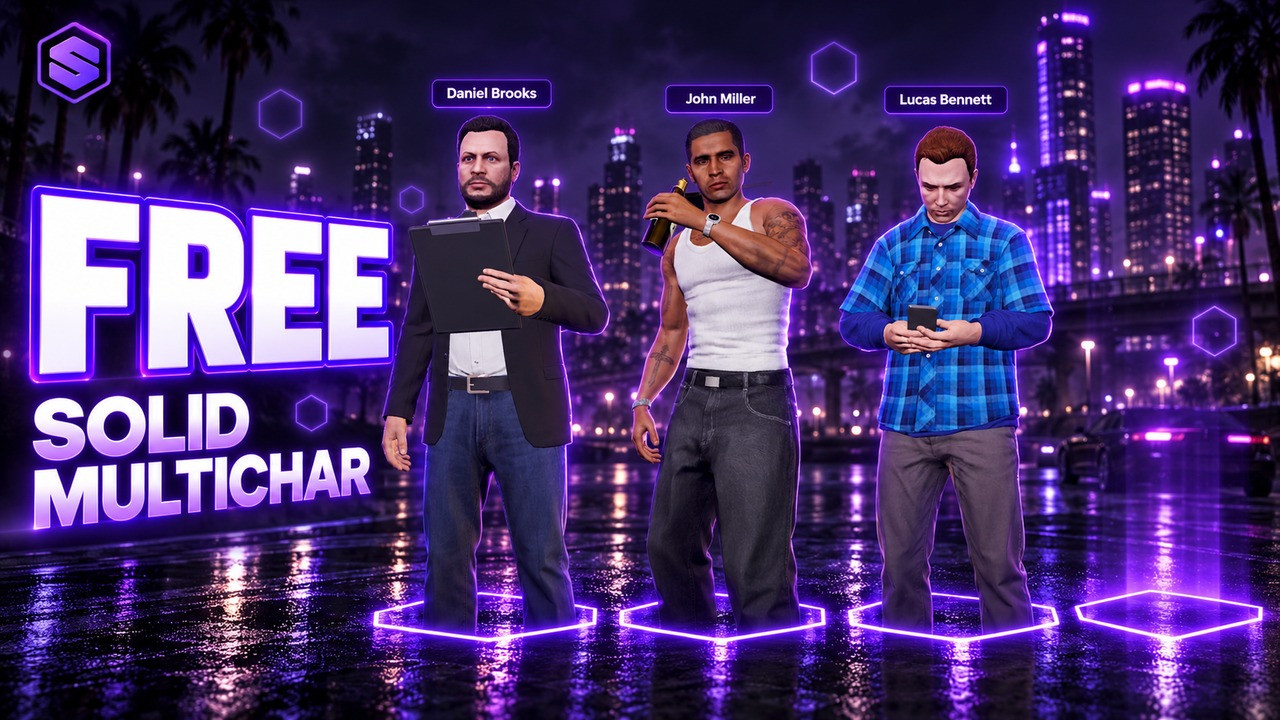
All your characters together in one cinematic lineup.
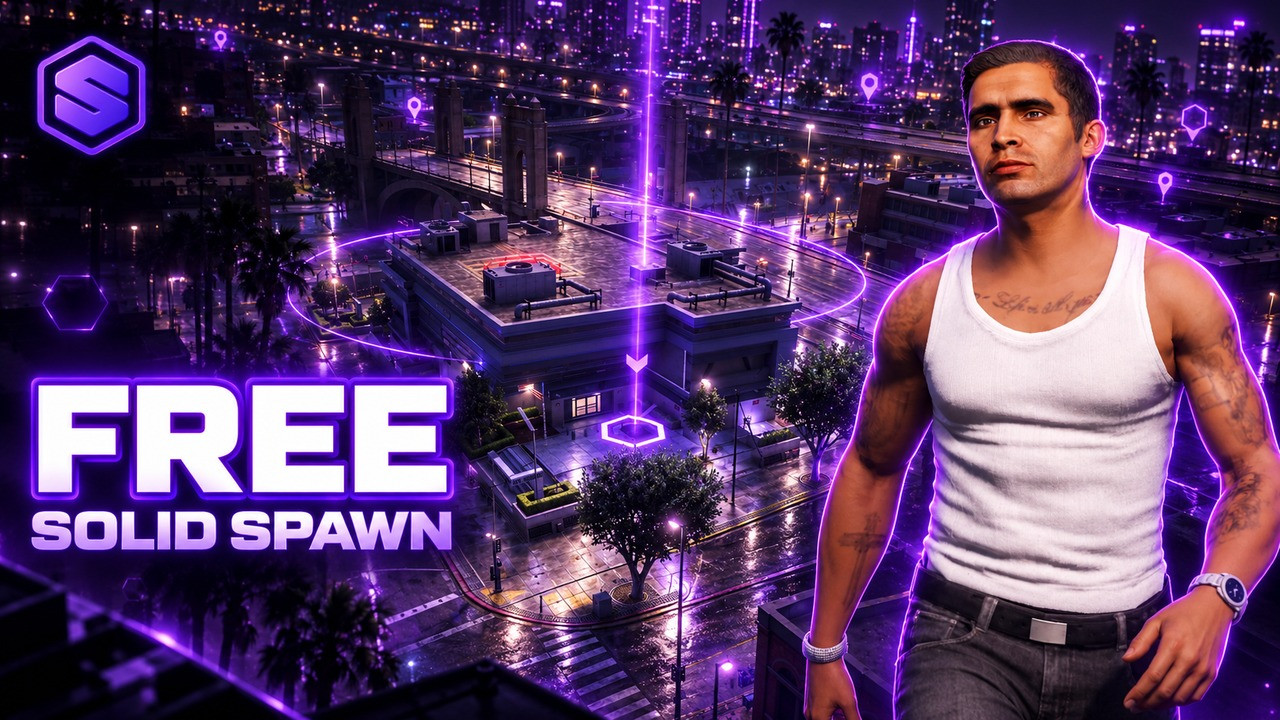
Choose where you enter the city, with an orbit camera and a live map.