$9.99
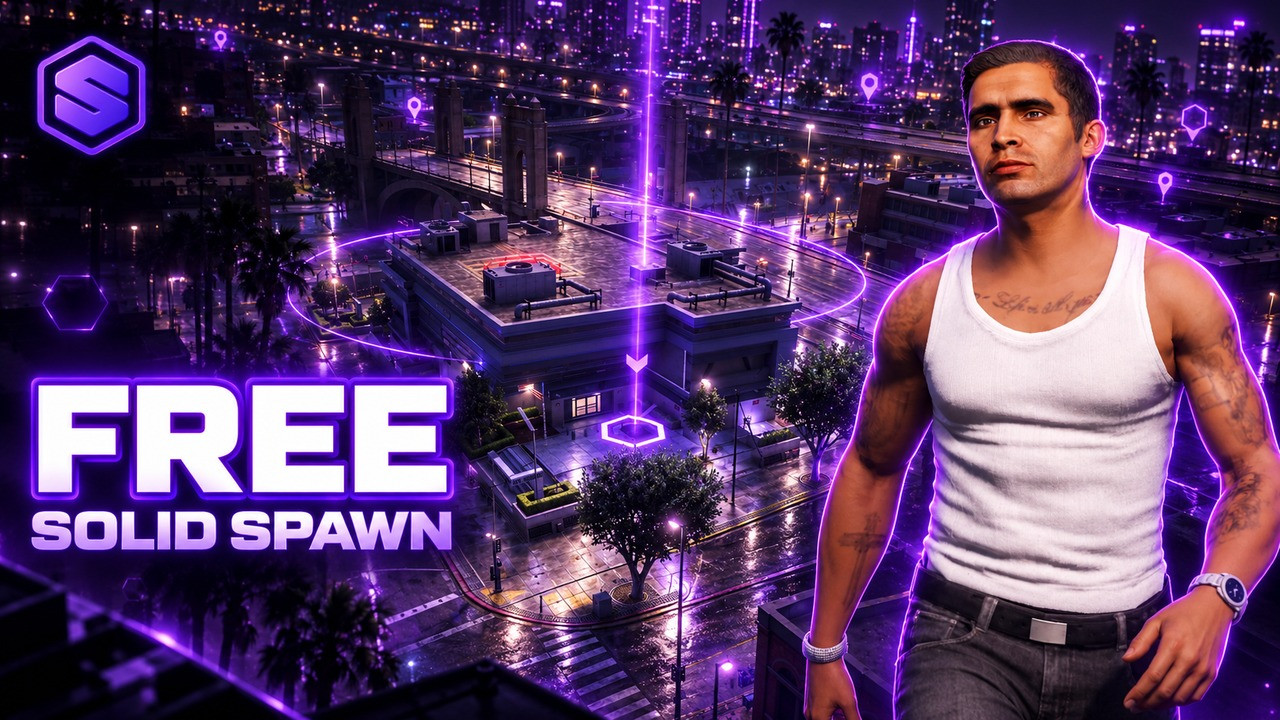
SOLID Spawn shows the city before a player drops into it. The camera circles the selected spawn from above, flies to the next one when they browse and swoops down to street level when they confirm. A violet beacon marks the spot, and a card shows the real GTA map with the area, region, street and coordinates.
Players continue from their last location, and if they logged out inside a house or apartment they wake up inside it. Owned qb-houses houses and qb-apartments apartments are listed on QBCore, job spawns only show for players with that job, and your own public spawns fill the city list. New characters can pick a free starter apartment when qb-apartments hands them out.
It opens by itself after SOLID Multichar and answers the standard qb-spawn events, so other multicharacter scripts can use it too. Arrow keys, Home, End, 1 to 9 and Enter work, and every text is in a language file.
The camera circles the selected spawn, flies to the next one and swoops down to street level on confirm.
Continue where the character logged out, back inside the house or apartment they logged out in.
Owned qb-houses houses and qb-apartments apartments on QBCore, the player wakes up inside.
Extra spawns only players with that job see. Police and ambulance are set up, add any job you like.
Your own list of city spawns, each with a label and coordinates in config.lua.
New characters pick a free starter apartment when qb-apartments hands them out.
The real GTA map with the area, region, street and coordinates of every spawn.
A violet ground ring and light beam mark the selected spawn while the menu is open.
Yes. Get it free and it lands in your Keymaster assets like any paid script, with free updates.
QBCore, Qbox and ESX. Owned houses, apartments and starter apartments come from qb-houses and qb-apartments on QBCore.
No. It opens by itself after SOLID Multichar, and it also answers the standard qb-spawn events, so other multicharacter scripts open it too.
Yes. Remove qb-spawn and start SOLID Spawn, scripts that open qb-spawn now open SOLID Spawn.
Add them to Config.Spawns for everyone or to Config.JobSpawns under a job name, each with a label and coordinates.
Yes. Last location, houses and apartments, public spawns and starter apartments each have a switch in config.lua. Leave Config.JobSpawns empty for no job spawns.

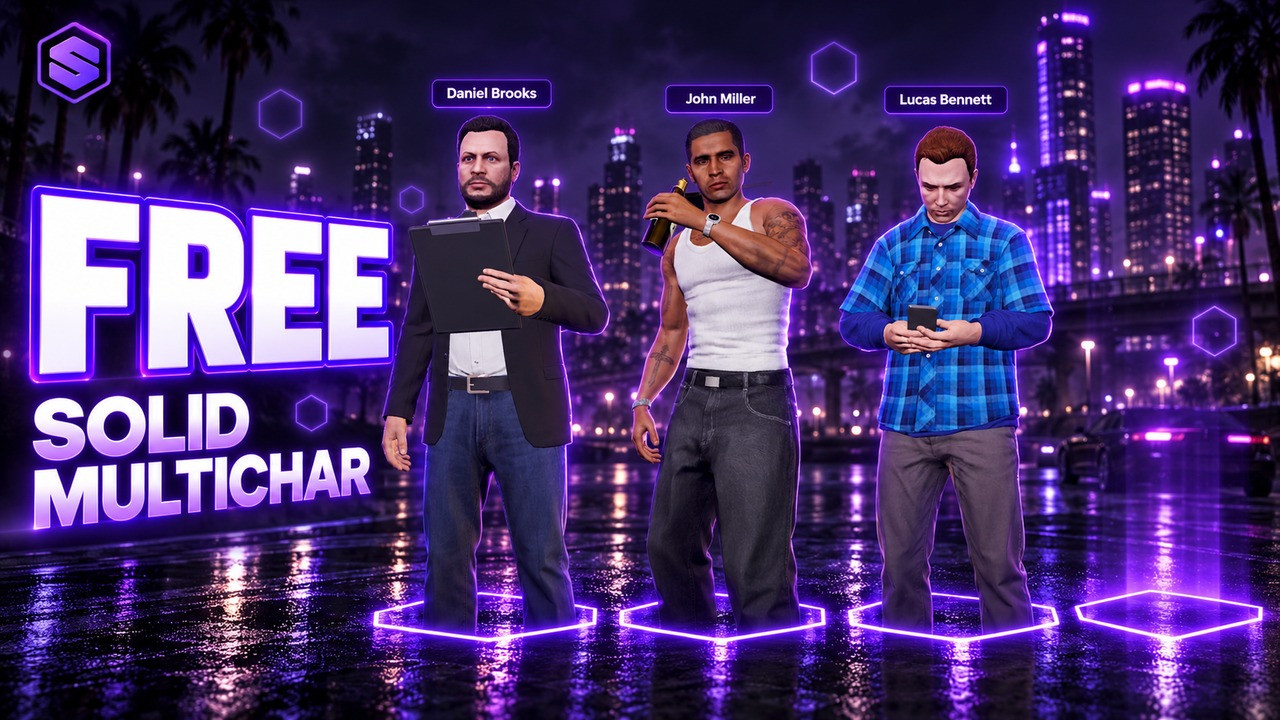
All your characters together in one cinematic lineup.
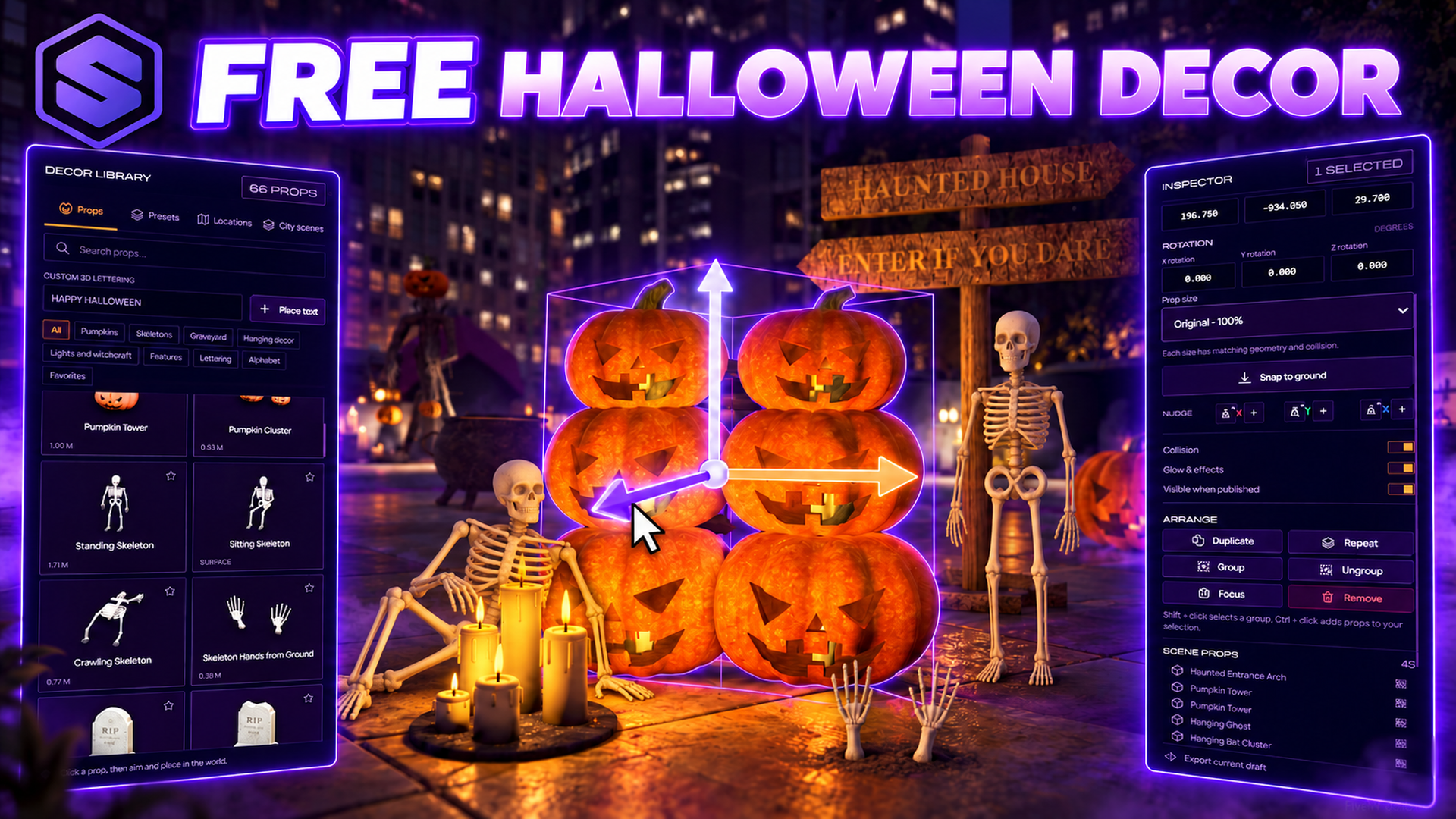
Decorate your whole city for Halloween, then publish it for every player.