$9.99
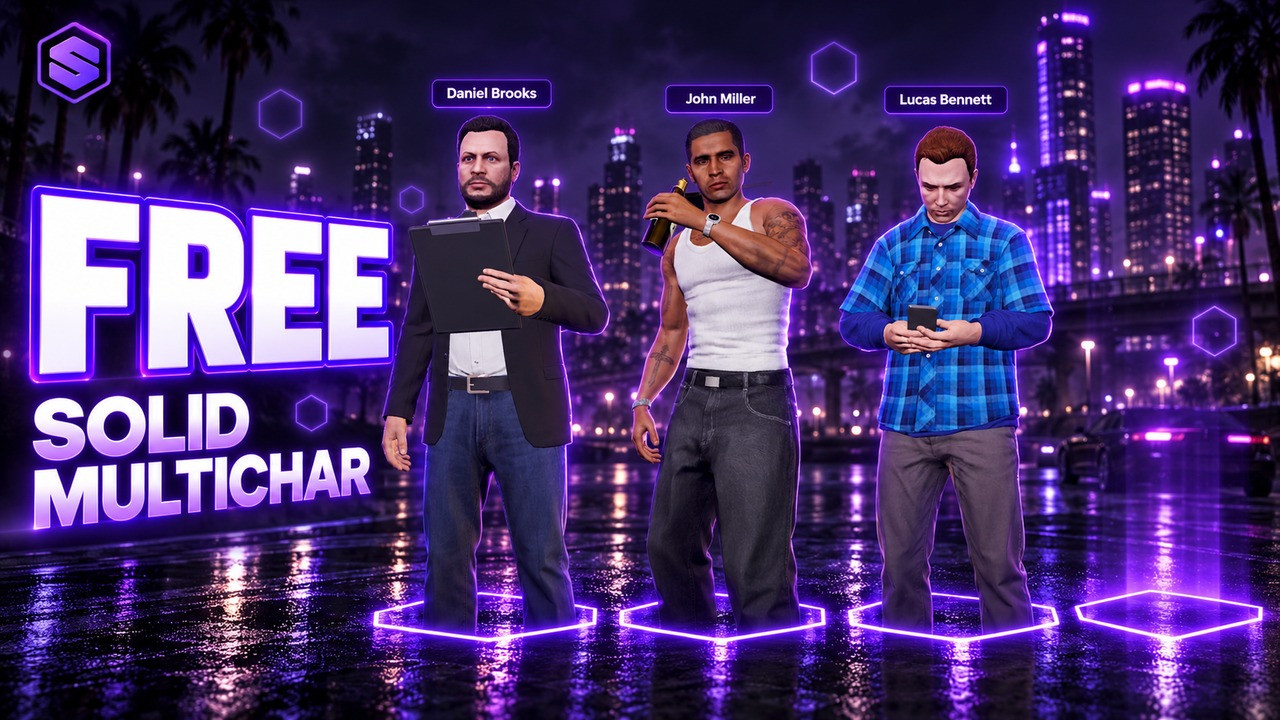
SOLID Multichar is the first screen every player sees. Up to five of their characters stand together in their saved look, each doing something of their own with a prop in hand: a phone call, a coffee, a photo, binoculars. On join the camera shows the place and visits every character with their name on screen, and any key skips it.
Click a name or a card and the camera frames that character full body while the others fade out. Turn them with Q and E or by dragging, browse with the arrow keys and press Enter to continue. Players pick one of seven places, from the Eclipse Penthouse to a private yacht and the LS Car Meet, and the choice is remembered for them.
An empty slot glows as a Create spot. The registration form asks for a name, date of birth, nationality, body and an optional backstory, a body fades in on the spot and your own clothing script opens, in the lobby or right after the spawn. Every player waits in their own routing bucket, and existing characters go on to SOLID Spawn, qb-spawn or straight back to their last location.
Up to five characters stand together in their saved look, on planned marks checked against the GTA collision of every place.
An establishing shot, then the camera visits every character with their name on screen. Any key skips it.
Eclipse Penthouse, Diamond Suite, Galileo Observatory, Pink Cage Motel, Del Perro Pier, Private Yacht and LS Car Meet.
Phone calls, coffee, photos, binoculars and more, prop in hand. Change pose cycles through them.
Click a name and the camera frames that character full body while the others fade out. Drag or Q / E to turn them.
Name, date of birth, nationality, body and an optional backstory, all checked on the server.
illenium-appearance, fivem-appearance or qb-clothing opens on the lineup spot or right after the spawn.
Every player waits in their own routing bucket, so nobody sees them before they spawn.
Yes. Get it free and it lands in your Keymaster assets like any paid script, with free updates.
QBCore, Qbox and ESX. On Qbox, set useExternalCharacters = true in qbx_core/config/client.lua.
Yes. Remove qb-multicharacter and start SOLID Multichar, it takes its place so scripts that need it keep working.
No. It opens SOLID Spawn when it is running, otherwise qb-spawn or qb-apartments, or the character goes straight back to their last location.
illenium-appearance, fivem-appearance and qb-clothing. The look opens on the lineup spot before entering, right after the spawn, or not at all, your choice in config.lua.
Del Perro Pier, the Pink Cage Motel and the Galileo Observatory work everywhere. The penthouse, suite, yacht and car meet need bob74_ipl, and the car meet game build 2372 or newer. Without them those places are hidden.
4 by default, up to 5. Give more slots to one player by license, to a group by ace permission, or to players who have a character with certain jobs.
Yes. Set the name and tagline in config.lua and replace html/logo.png with your logo.
Rename or turn off both staff commands in config.lua.
A / DBrowse the characters
Q / ETurn the chosen character
EnterContinue with the chosen character
/logoutSend a player back to character selection
/deletecharDelete any character by citizen id

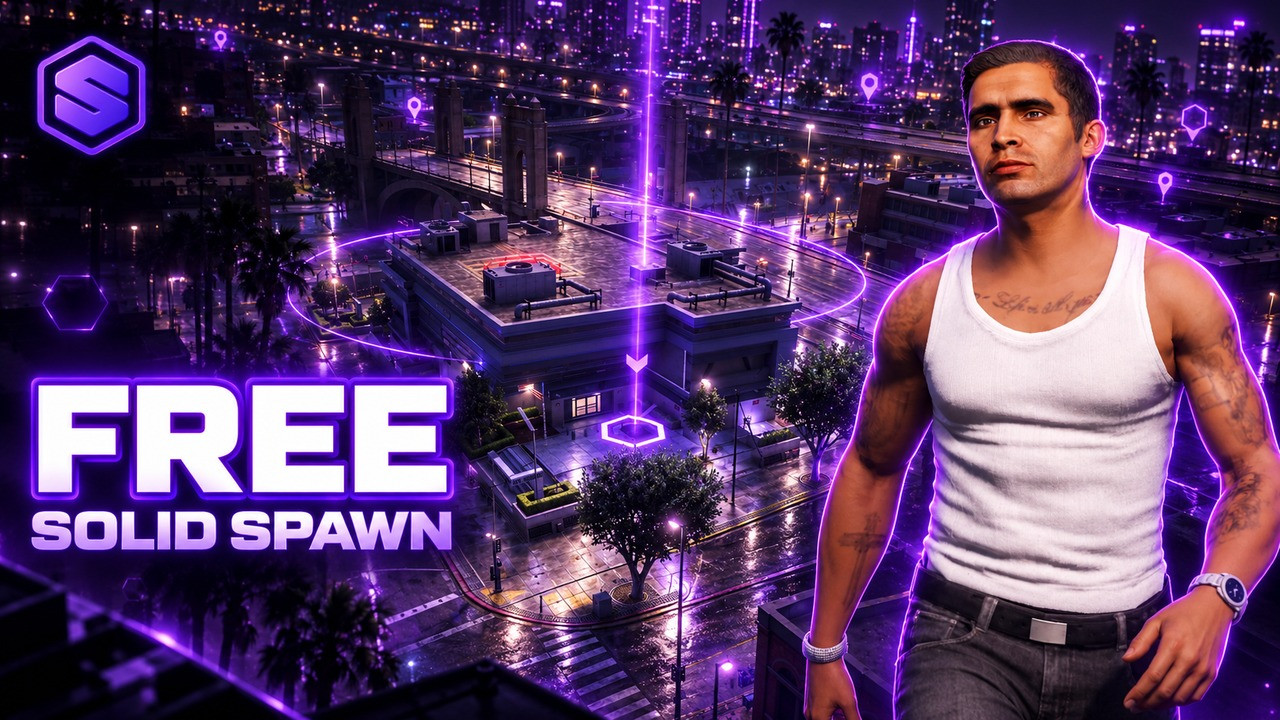
Choose where you enter the city, with an orbit camera and a live map.
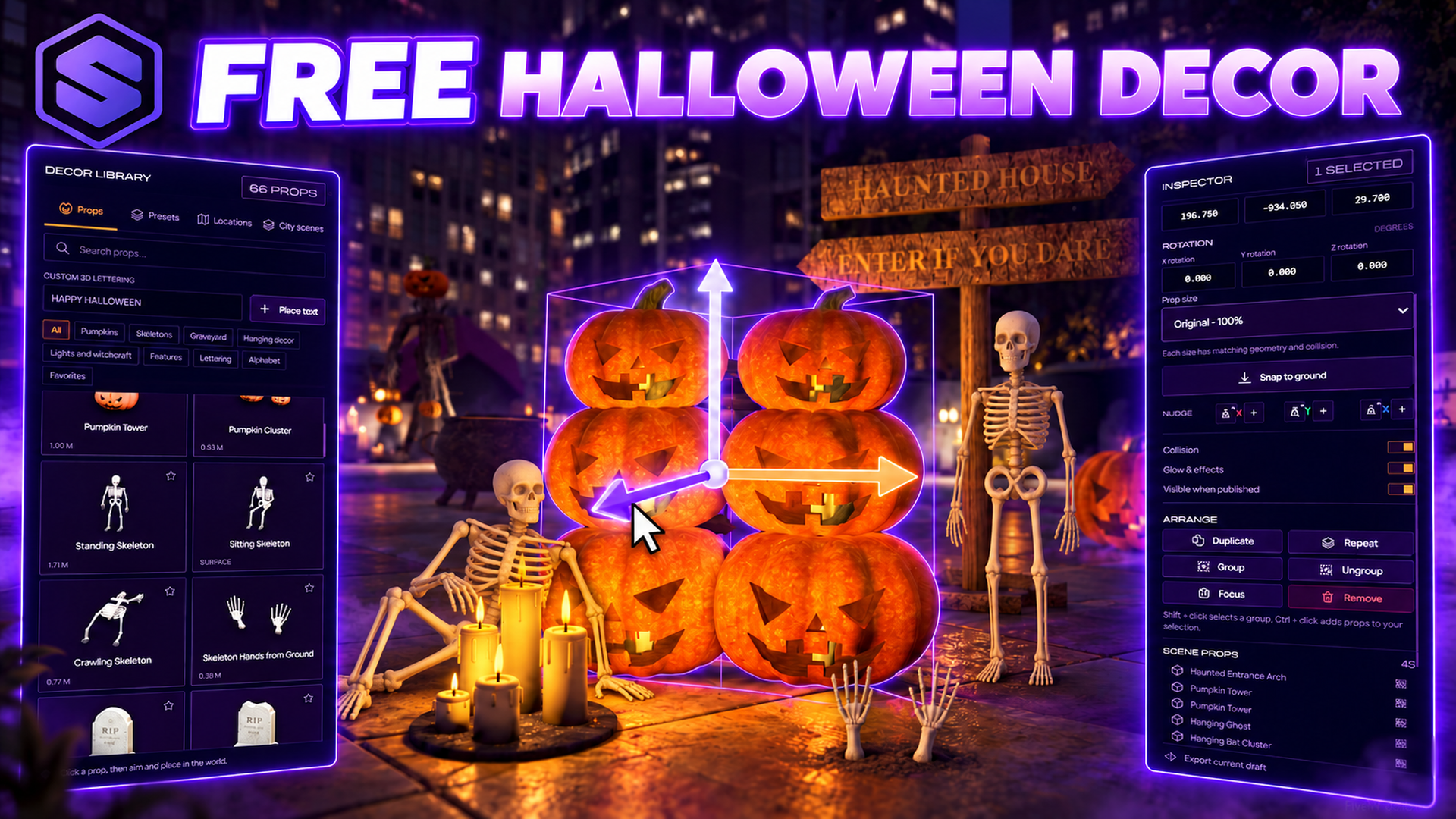
Decorate your whole city for Halloween, then publish it for every player.